See where every project stands,
right inside Gmail.
What you owe, what you're waiting on, and what's missing, next to the email you're reading. Plus a custom dashboard for each project.
Already in? Log in
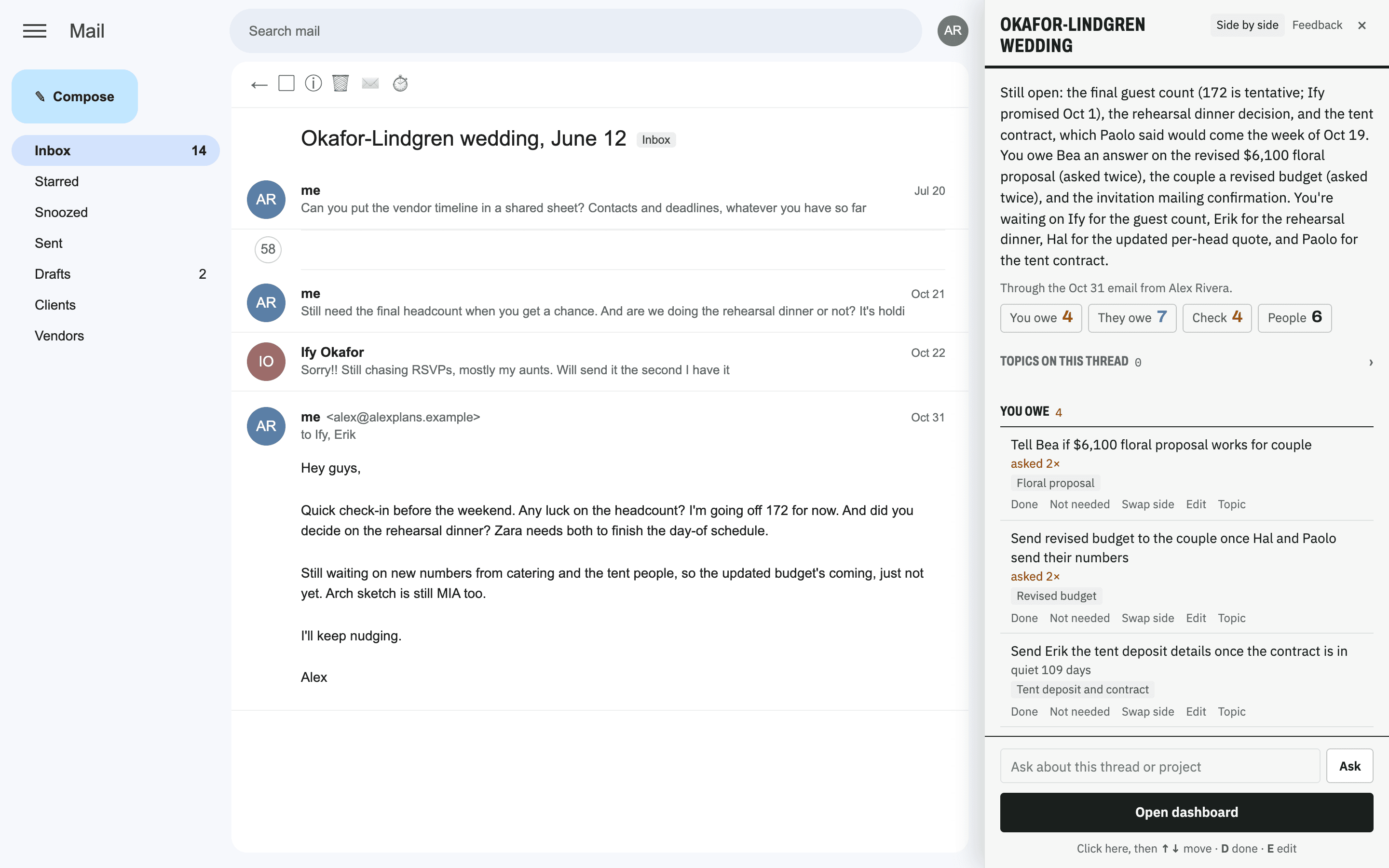
Real screens from a made-up project.
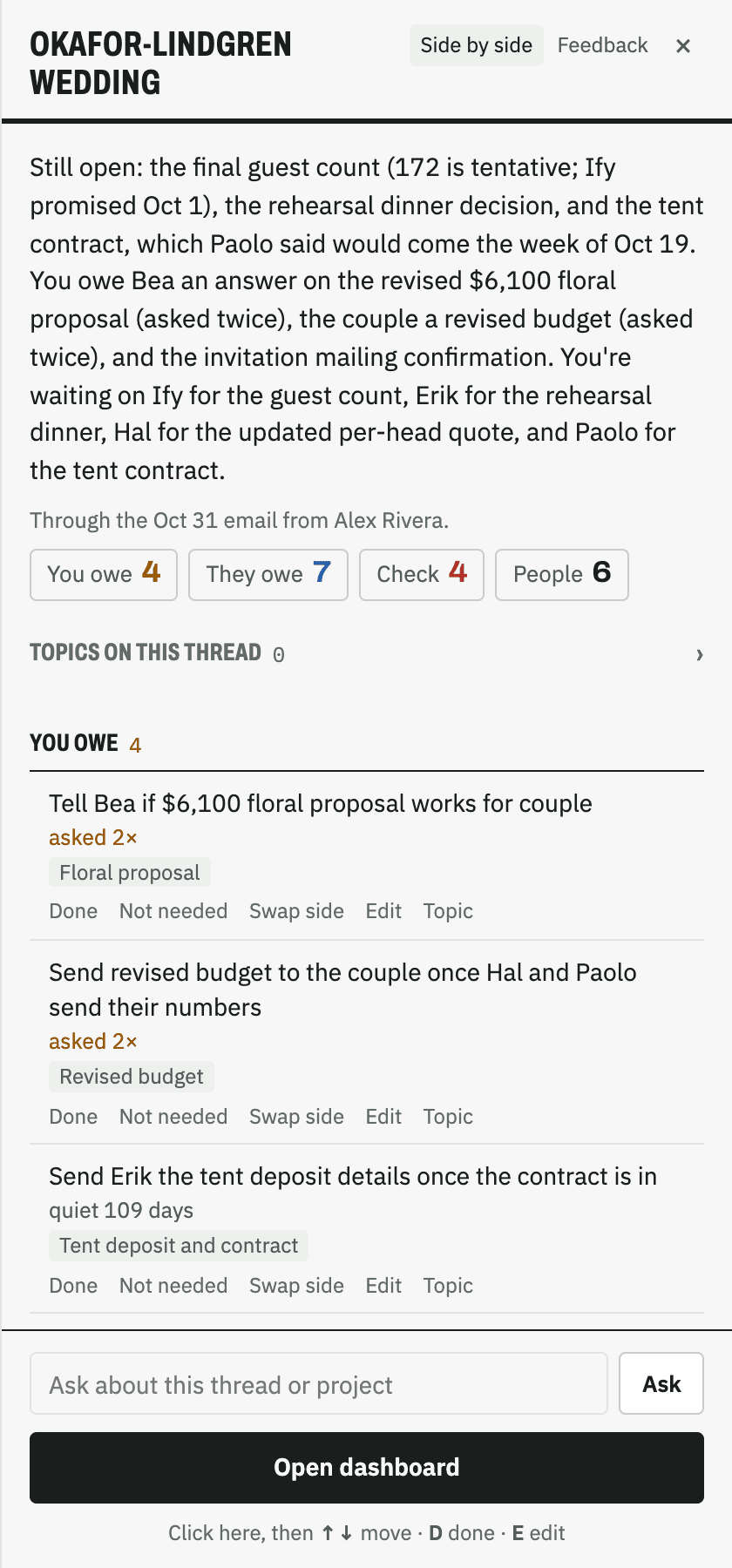
The Panel
Press ⌥⇧T on any email.
- The project in a paragraphWhat's settled, what's late, what's next.
- Who owes whatMark things done without leaving Gmail.
- PeopleWho's on the thread, what they do, and what's open with each.
- DocumentsEvery file on the thread in one list. Open it or have it read.
- Ask anythingAnswers come from the project's emails, with sources.
- Draft the replyPick what to answer. It lands in your reply box.
- Add a thread in one clickNo forwarding. Your replies and attachments come too.
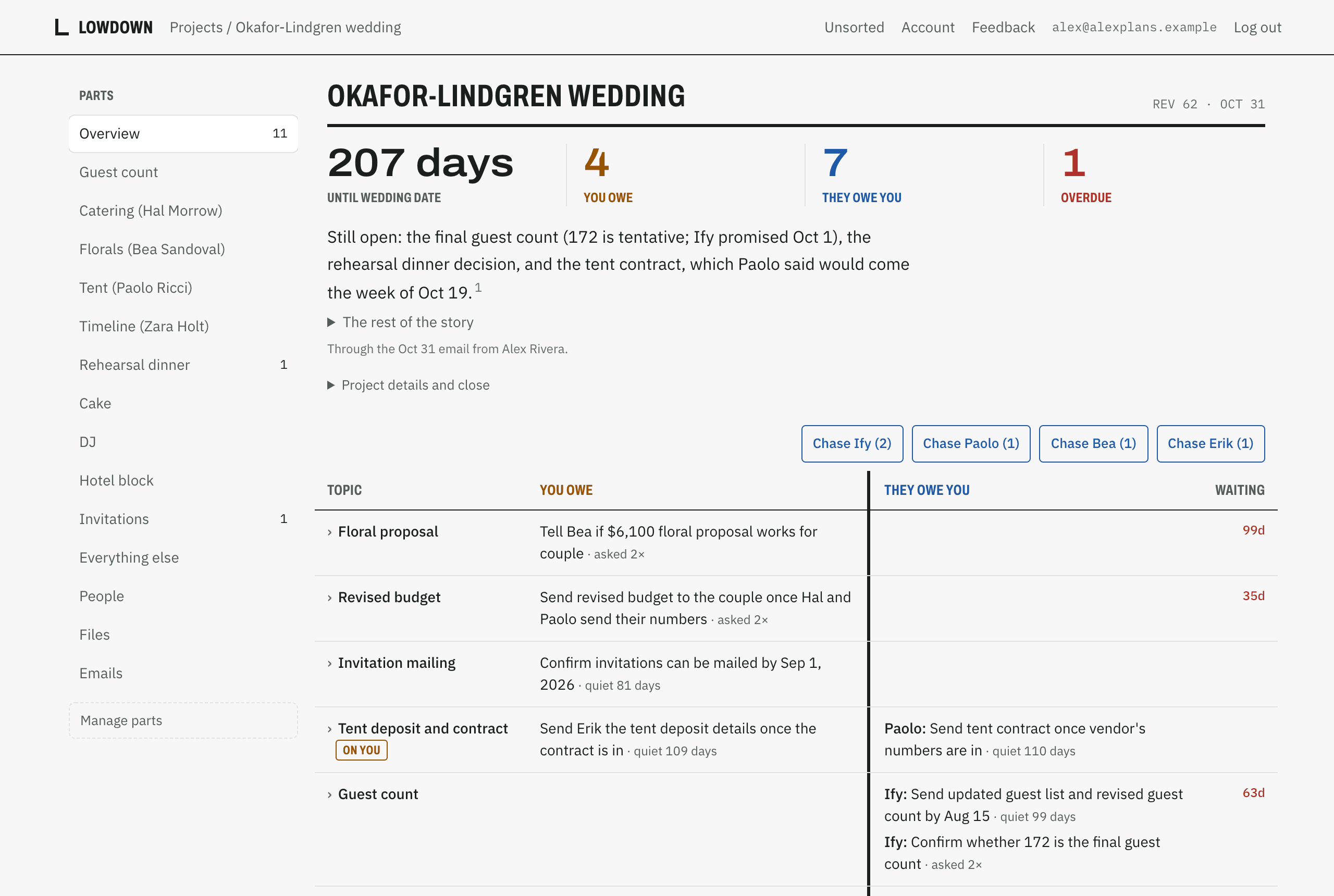
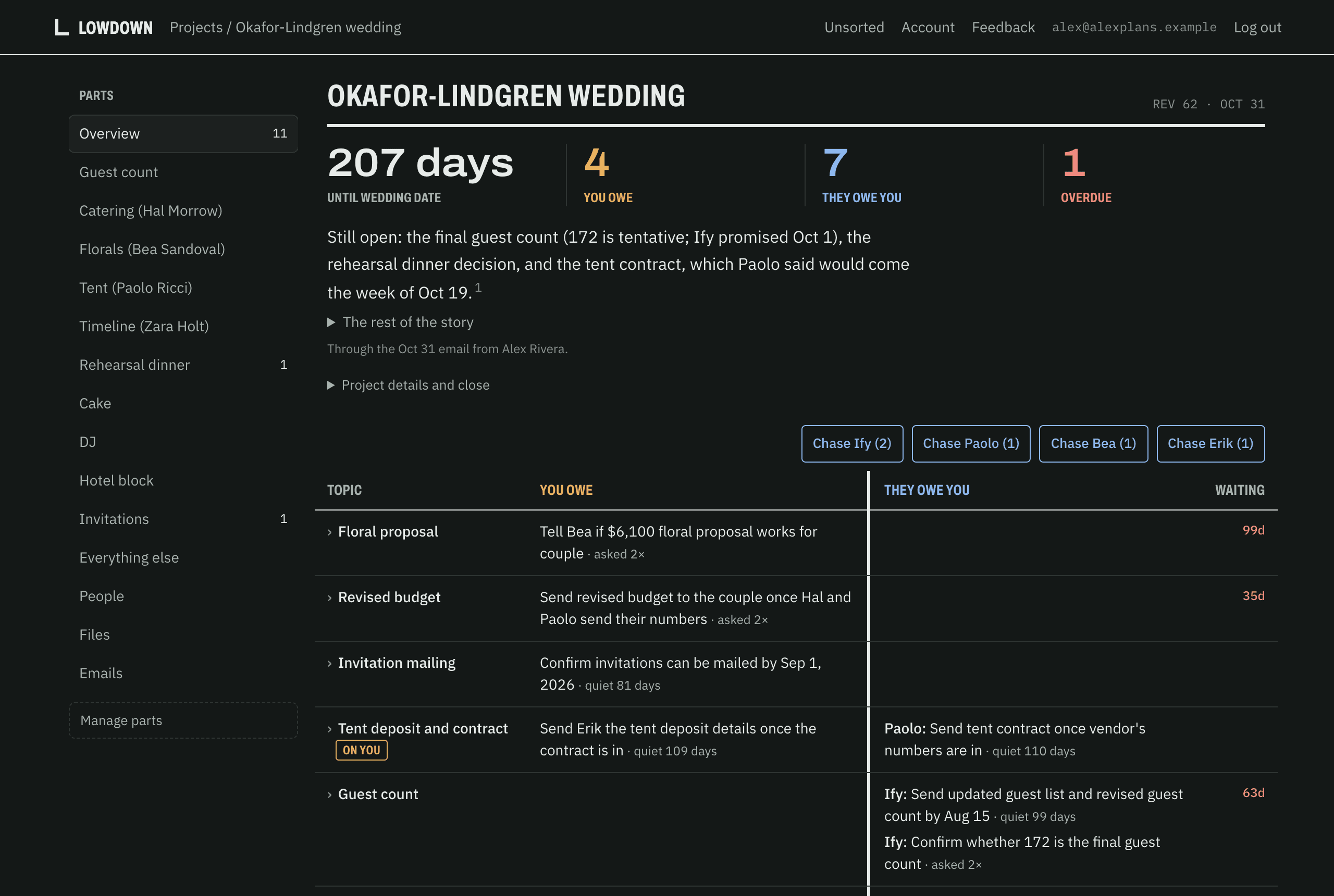
The Dashboard
Each project gets its own, built from all of its threads.
- Shaped to the projectA wedding gets catering, florals and a guest count. A home sale gets its conditions, closing date, inspection repairs and earnest money.
- Every detail citedClick any fact to see the email it came from.
How it's different
Projects, not inboxes
Most AI email tools help you clear your inbox. Lowdown tracks the work inside it, across every thread.
A record, not a recap
A summary is gone once you've read it. Your dashboard stays, and keeps every earlier version.
Shows its work
Every detail links to the exact email it came from.
Getting started
- Add the extension to Chrome.
- Open a project's email and click Add.
- Approve the project. The dashboard builds itself.
Privacy
- Only the threads you add.
- No Google sign-in.
- It drafts. You send.
- Nothing is overwritten.
FAQ
Do I have to switch email apps?
No. Lowdown adds a panel to Gmail in Chrome. Your inbox stays the same.
Does it send email for me?
No. It drafts replies into Gmail's reply box. You send them.
Does it read my whole inbox?
No. Only the threads you add to a project.
What if I don't use Gmail?
Forward a project's emails to your Lowdown address from any mail app and you get the same dashboard. The panel is Gmail on Chrome for now.
How do I get it?
It's invite-only for now. Leave your email. When there's room, we'll send you a link to set up your account.